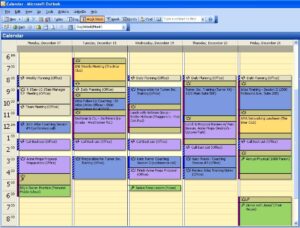
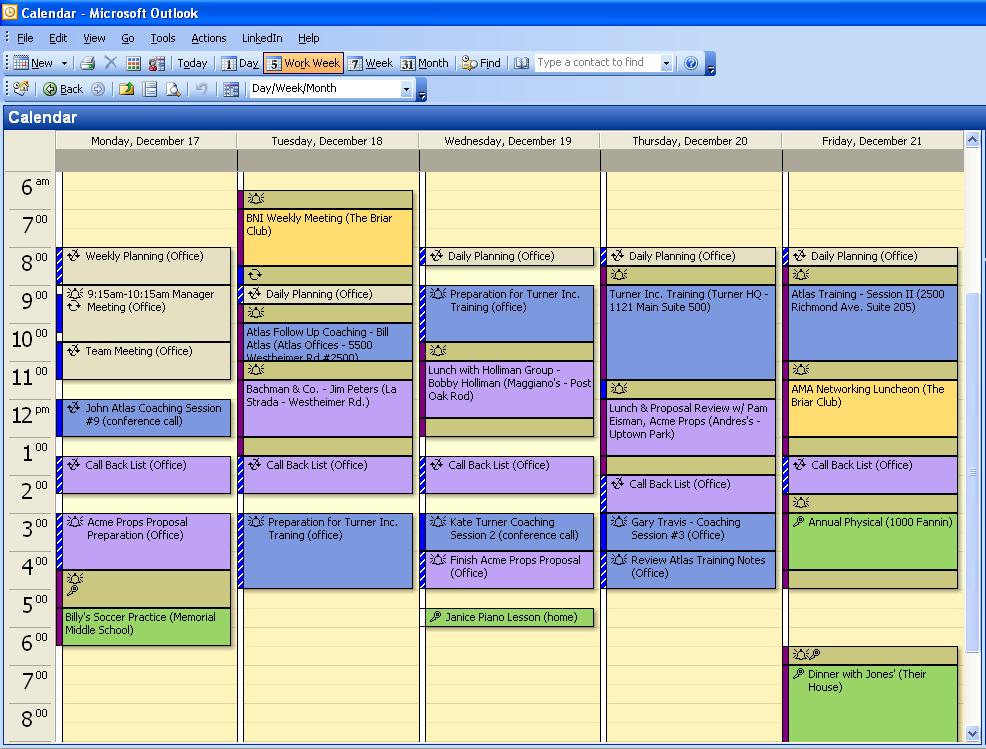
If you look at the average electronic calendar, it’s chockablock with meetings and calls and out-of-office reminders; see above. Yet because the wording of each appointment follows a different format, it can be difficult to sum up your schedule with just a glance.
For example, one invite I just received says, “Full Team Weekly Tuesday Meeting – 1-XXX-XXX-XXXX; Participant code: XXXXXXX#.” The invite for a recent all-hands confab is titled, “All-Hands mtg.” Another appointment calls for a “newsroom report discussion,” while another one requests attendance at “TMD Training.”
Wouldn’t it be helpful if all these appointments adhered to a standard format, so that, for example, the first word specified what the given item is? I’ve long been using such a template on my own calendar, and it makes perusing each day’s events much easier. Here’s the format I follow:
Subject
[Type of Appointment]: [Description of Appointment]
Location
[Building or Call-in Number]: [Room or Password]
As a result, here’s how every meeting on my calendar looks:
Meeting: Media Team
6th Floor Conference Room
And here’s how every call looks:
Call: Workgroup Leads
XXX-XXX-XXXX // XXXXXX
In addition to consistency in format, it’s helpful to employ consistency in capitalization; in using hyphens rather than periods or parentheses when listing phone numbers; and in using a double slashes (or something similar) to demarcate a new detail.
For maximum effect, see if you can get your entire office onboard, so that appointments sent to you by colleagues aren’t outliers, but appear as if you created them yourself.